
The default place is the store or site this device works in. Order lists, stocktakes and the home screen all use it. Change it when the device moves to a different store.
If Default Place is greyed out, your organisation sets it for you. Ask your administrator to change it.
Change the Default Place
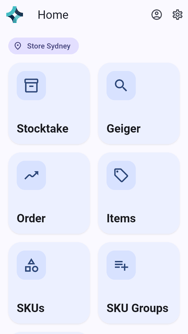
On the home screen, tap Settings (the gear at the top right).
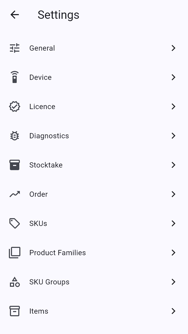
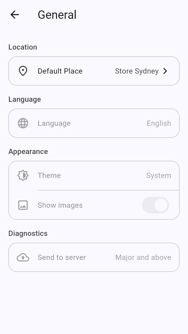
Tap General.
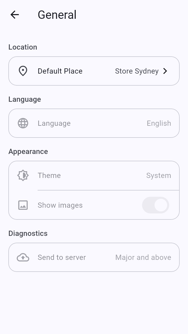
Tap Default Place, which shows the current place.
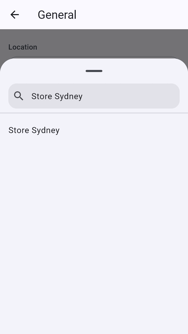
Type part of the place's name.
Tap the place in the results.
Check that the new place shows under Default Place.
Tap back to return home.