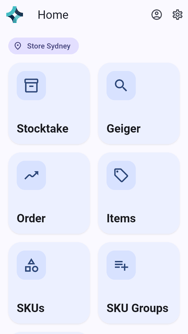
The Ramp app runs on a handheld RFID device. You sign in with your own username and password, and the home screen then shows a tile for each task you can do.
If the app won't let you in, see Sign-in Problems.
What You Need
- A handheld device with the Ramp app installed.
- Your Username and Password.
- A network connection (Wi-Fi or mobile data), so the app can reach the server.
Sign In
Open the app. The sign-in screen appears.
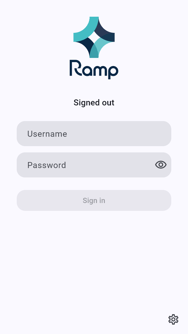
Enter your Username and Password.
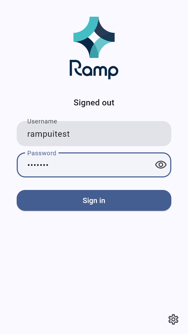
Tap Sign in. The home screen opens with your store's name and a tile for each task you can do.